
MU Helper
MU Helper is an integrated system in the game that helps the player with farming and automatic item collection, charging only an amount of zen proportional to the time of use.
Hunting Tab (Hunt) - Functions
The hunting interface of MU Helper works with colored blocks. The hunting interface manages your character's combat behavior:
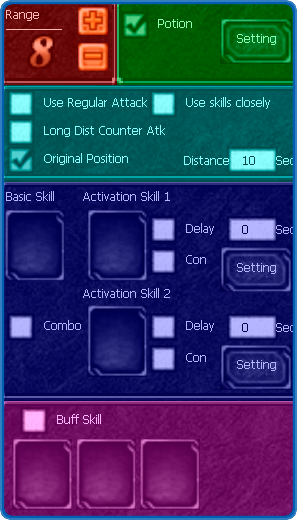
Attack Range
Defines the distance at which your character will perform hunting actions, based on coordinates.
- Red Square: Close-range attack area
- Brown Square: Extended attack range
- Recommended: 2-4 tiles for normal hunting
Healing Options
Allows you to configure how often your character will consume HP potions.
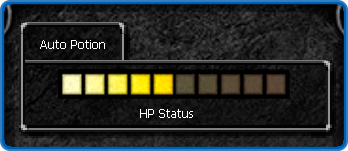
Configuration:
- Each square represents 10% of your character's maximum life
- Checking the 5th square, for example, will use potion when reaching 50% of total life
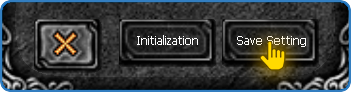
- Remember to save changes, otherwise they will have no effect
Attack Options
- Use Regular Attack: Uses standard attack when no mana available
- Long Dist Counter Atk: Attacks from maximum possible distance
- Use skills closely: Gets as close as possible to monsters
- Original Position / Distance: Returns to original position after defined time
Skill Configuration
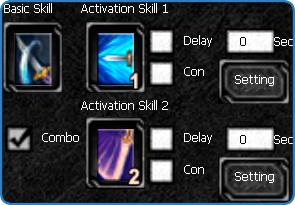
- Basic Skill: Main attack skill with highest priority
- Activation Skill 1 & 2: Additional skills with extra configurations
- Delay: Defines time in seconds to use the second skill
Advanced Configurations
Pre-condition:
- Monster Within Hunting Range: Uses skill together with basic attack
- Monster Attacking Me: Uses skill when attacked
Sub-condition:
- Defines how many monsters must be nearby to activate the condition
Combo
Use a sequence of skills to cause more damage. Available for all classes.
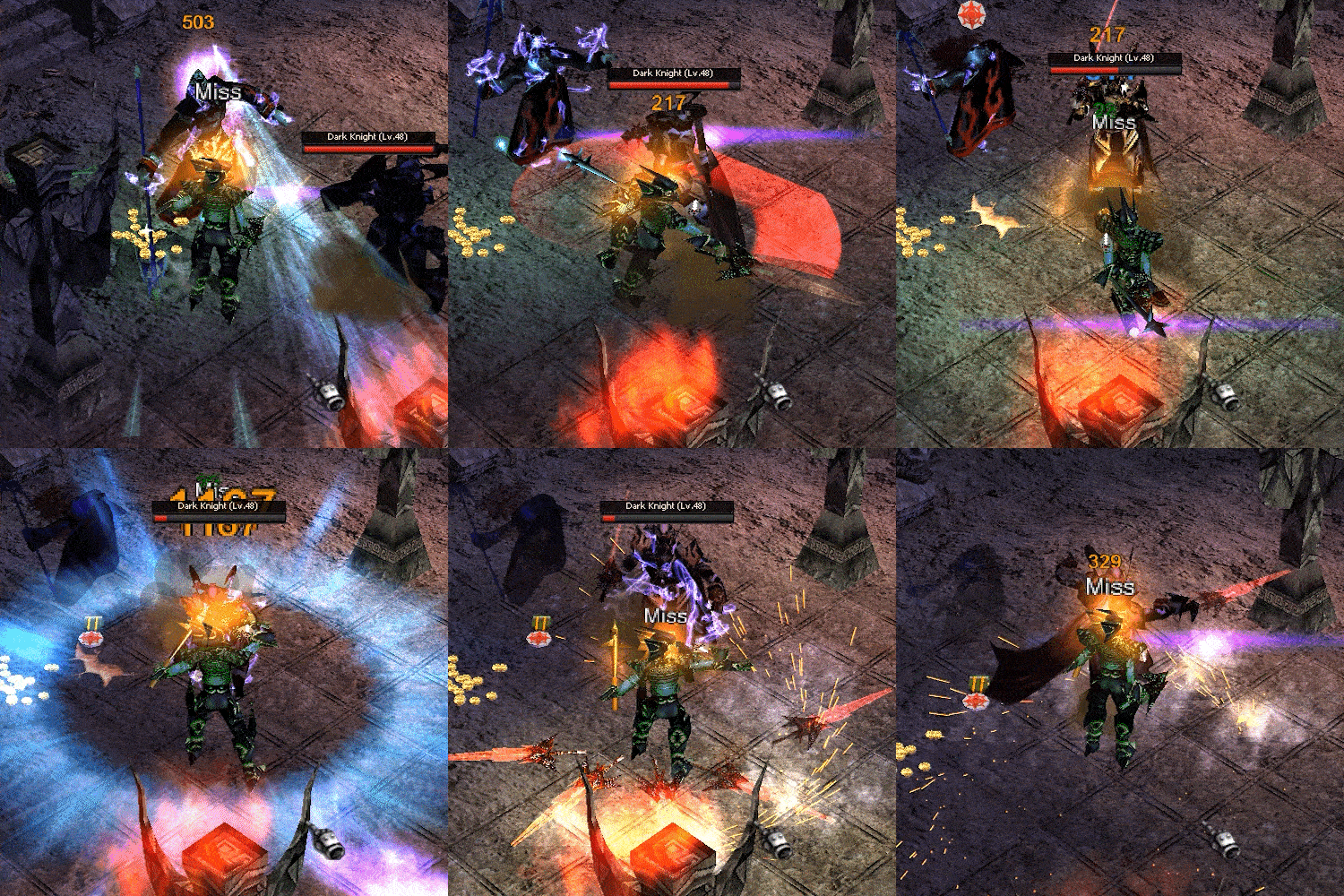
- The combo will be activated automatically
- Works by casting skills in sequence: Basic Skill → Activation Skill 1 → Activation Skill 2 → Repeat
- Proper delay settings ensure smooth combo execution
Buff Configurations

Define which buffs your character will use or automatically renew when they expire:
- Drag buff icons from your buff bar into available slots
- Buffs automatically recast before they expire
- Add protection buffs as highest priority
Obtaining Tab (Collect) - Functions
The collection interface controls how your character picks up items:
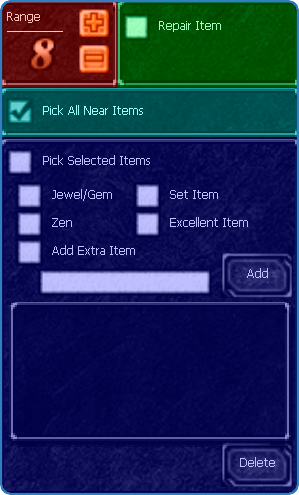
Collection Range
Determines the distance to collect items from the ground.
Collection Options
- Pick up all: Collects all items within range
- Pick up custom: Collects only selected items
Available Filters
- Jewel/Gem: Collects jewels and gems
- Zen: Collects zen from ground
- Set Item: Collects ancient items
- Excellent Item: Collects Excellent items
Extra Item
Type part of the name to collect custom items — the system collects all items that contain that sequence.
- Item names are case sensitive
- Example: "Option", "+5", "Boots", "Ring"
Auto Repair
Automatically repairs equipment durability during farming sessions.
- Enable checkbox to activate auto repair
- Repairs when durability drops to 50%
- Recommended for sessions longer than 2 hours
Other Settings Tab
Additional Configurations
- Auto accept Party (Friend): Automatically accepts friend invites
- Auto accept Party (Guild): Automatically accepts guild member invites
- Use Elite Mana Potion: Uses elite mana potion instead of regular
Saving Settings
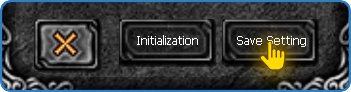
How to Save:
- Click the "Save Setting" button at the bottom of the Helper window
- Wait for confirmation that settings have been saved
- Your configurations will persist when you close and reopen the Helper